First Login Guide
This page goes through how to log into Matrix for the first time using your KelseyNet account.
Prerequisites
- Please make sure you have a password manager working on your device: you'll need this to log into KelseyNet and to save your recovery key.
- Install a Matrix app. I strongly suggest Element:
Logging In
These instructions assume that you're using ElementX on Android, although the steps are very similar if you're doing this on the web.
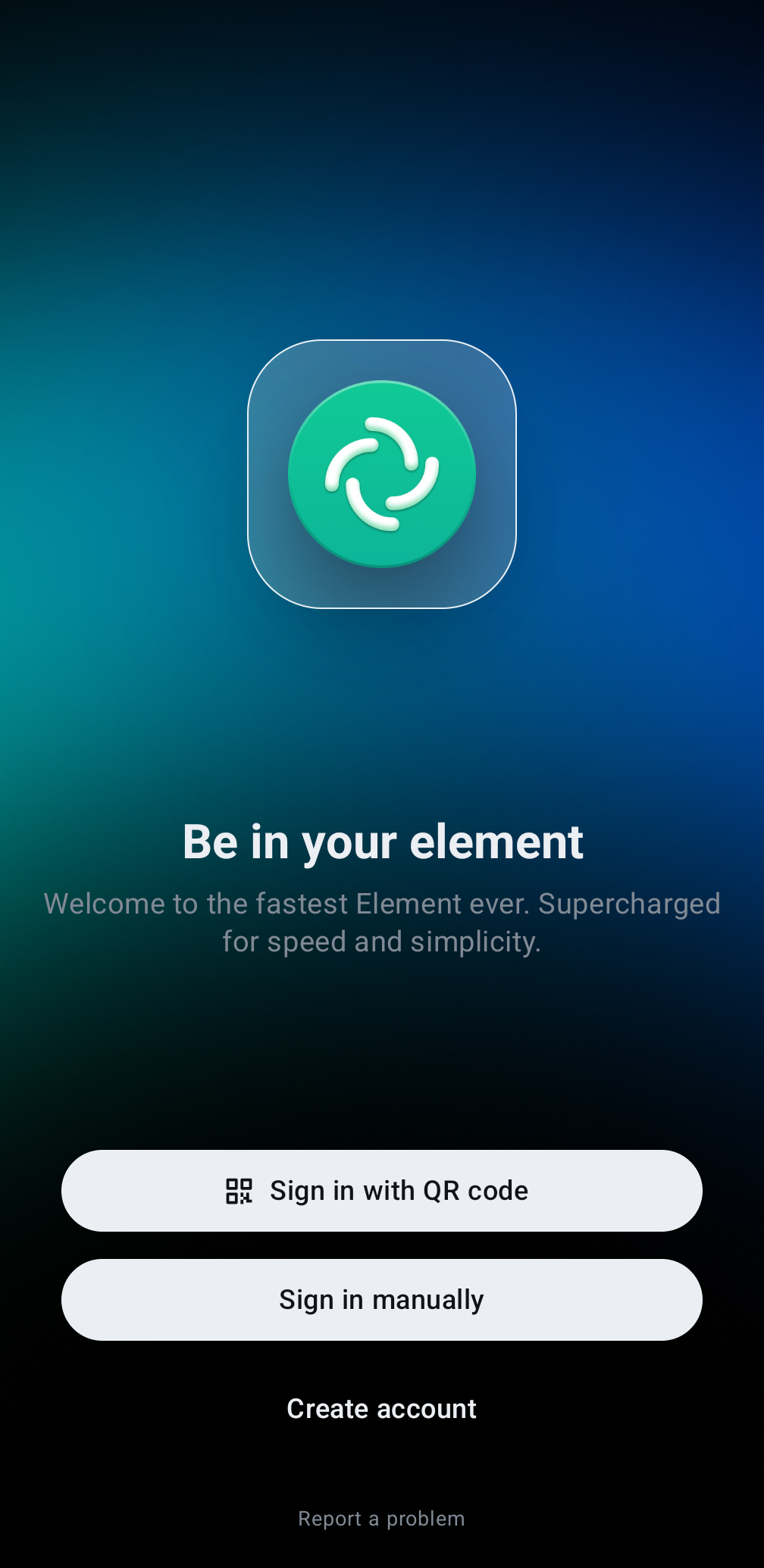
- Once you open the app, click the Sign in manually button:
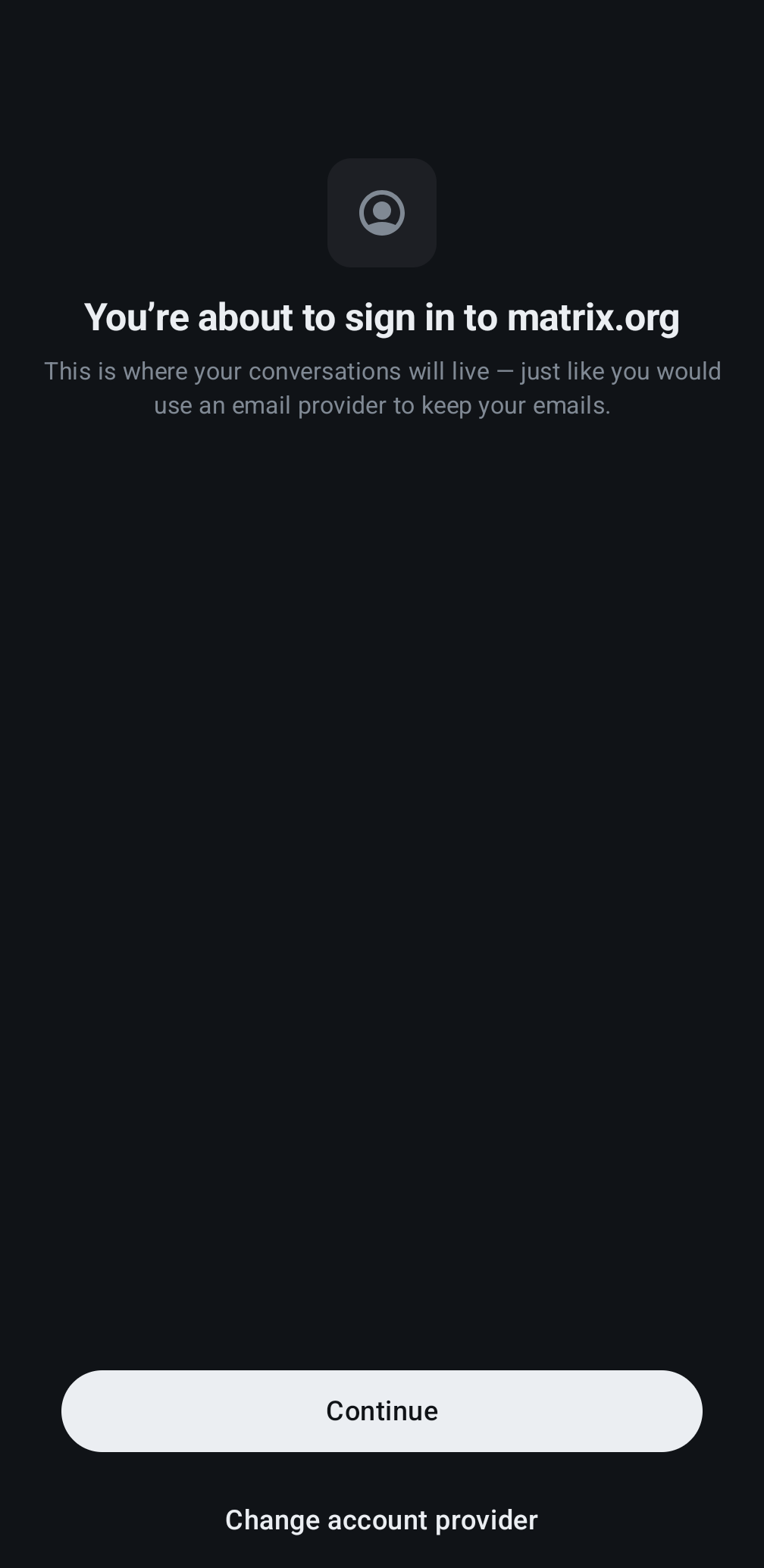
- On the next screen, choose Change account provider:
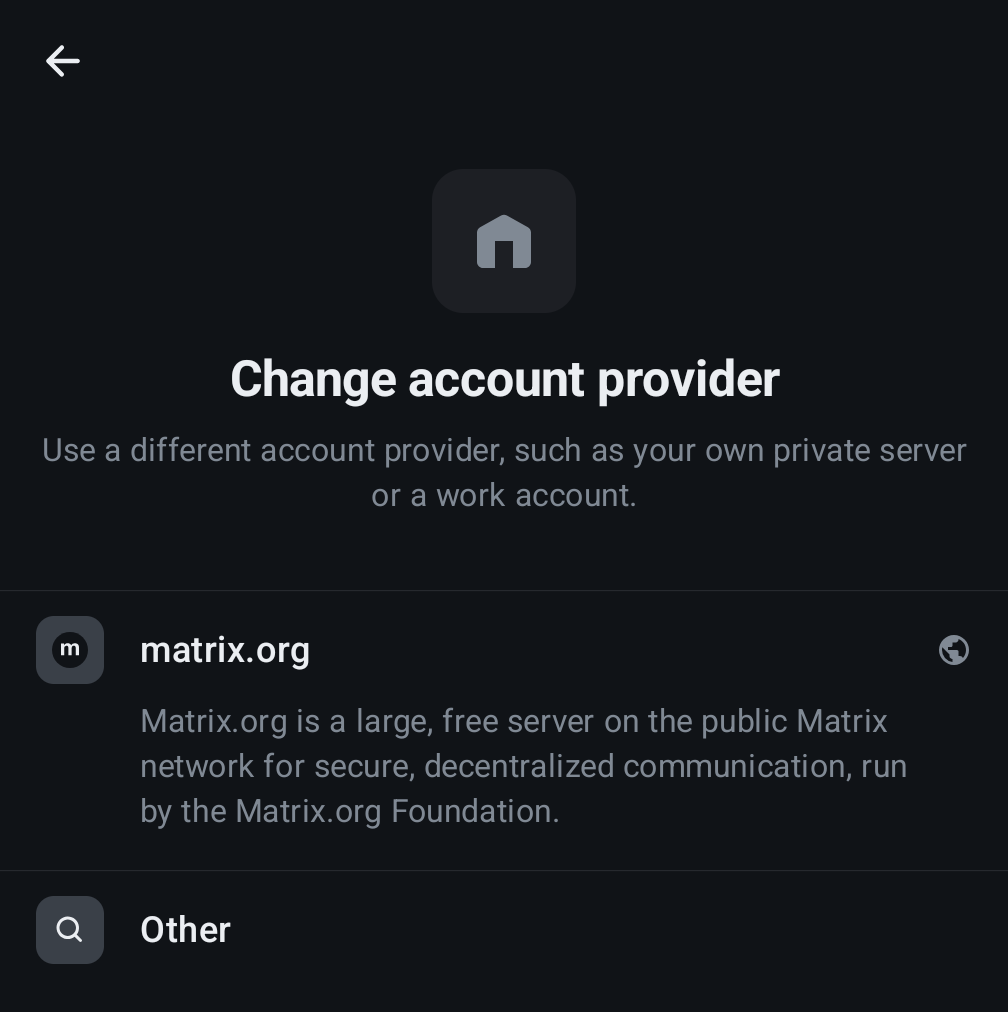
- On the account provider screen, choose 🔍 Other:
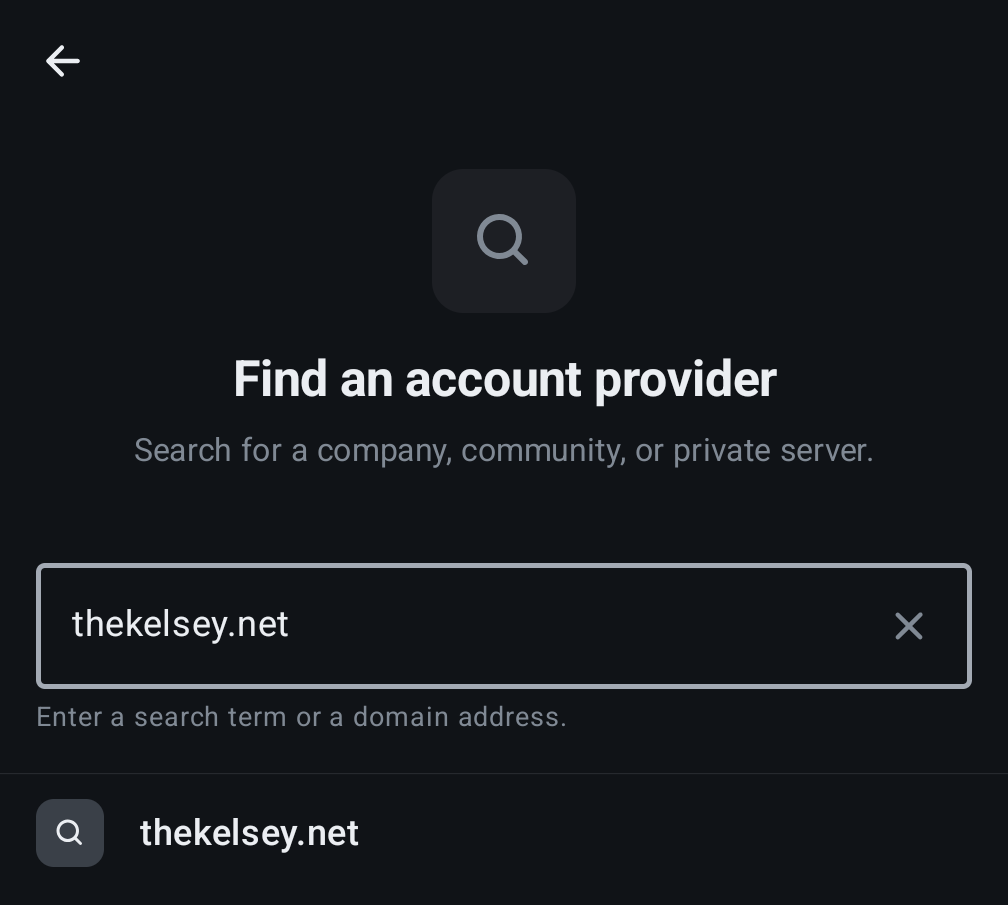
- Type
thekelsey.netinto the the account provider screen and click thekelsey.net when it comes up:
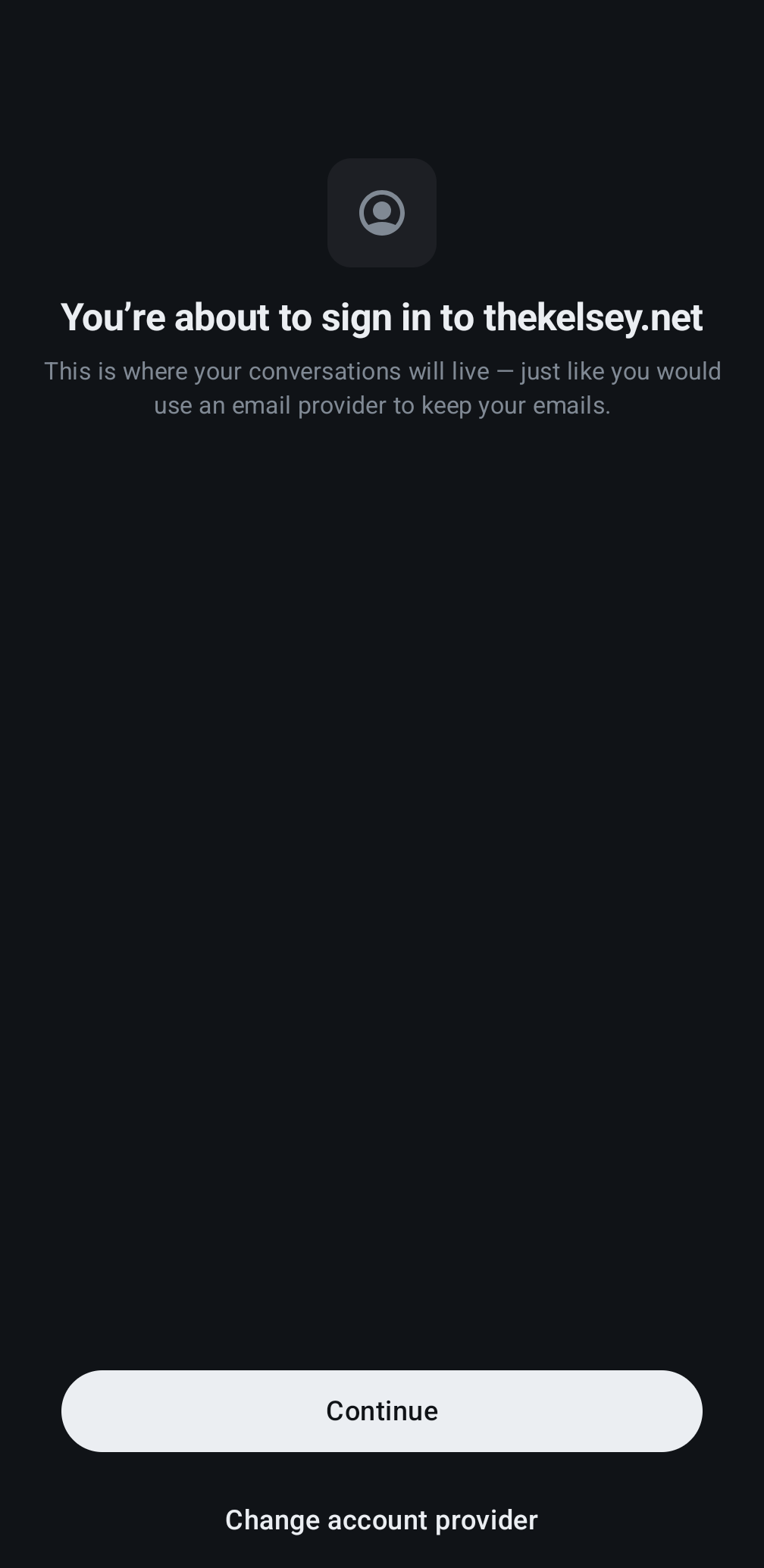
- Click Continue:
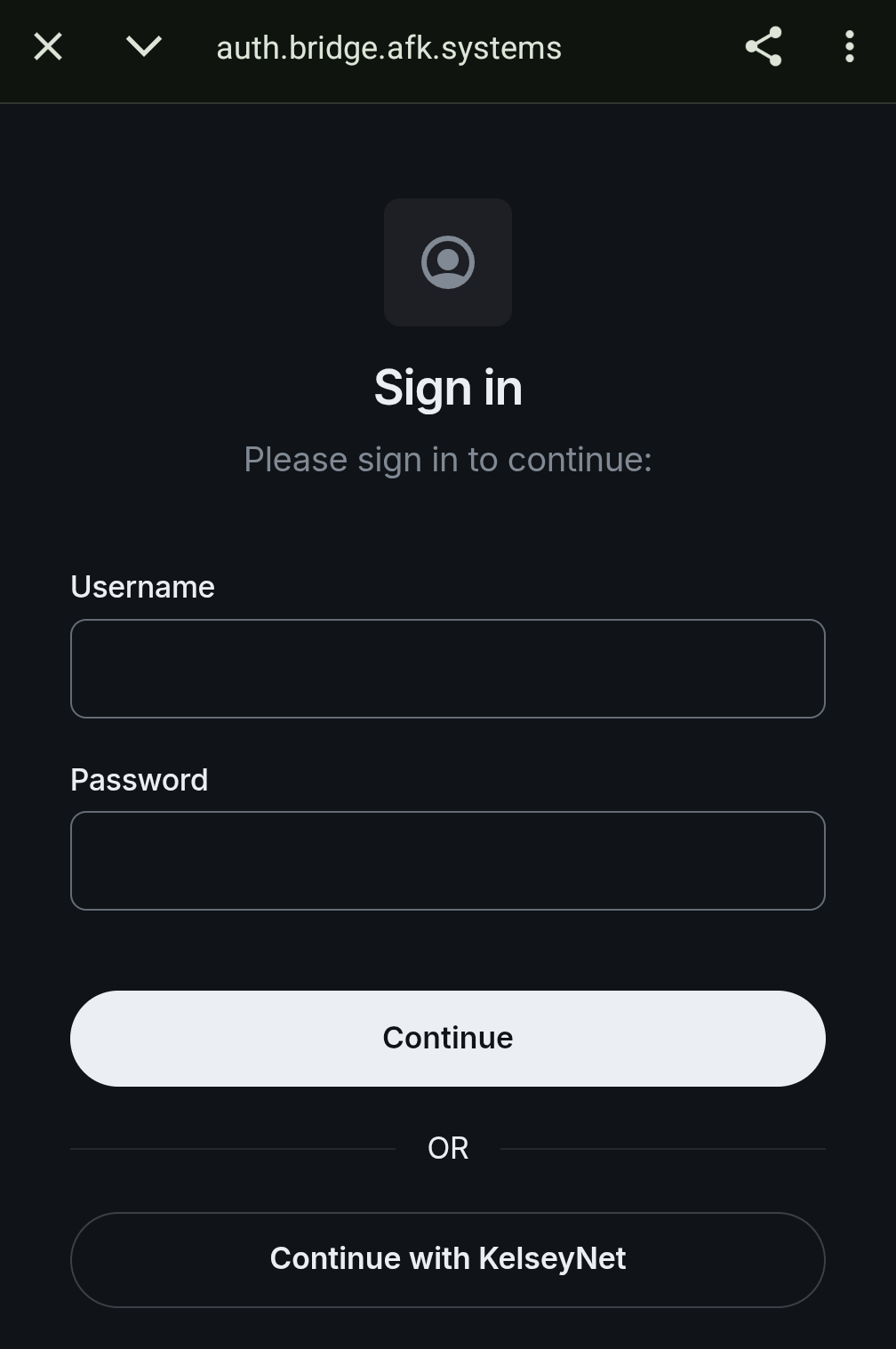
- Click Continue with KelseyNet at the bottom to use your KelseyNet account:
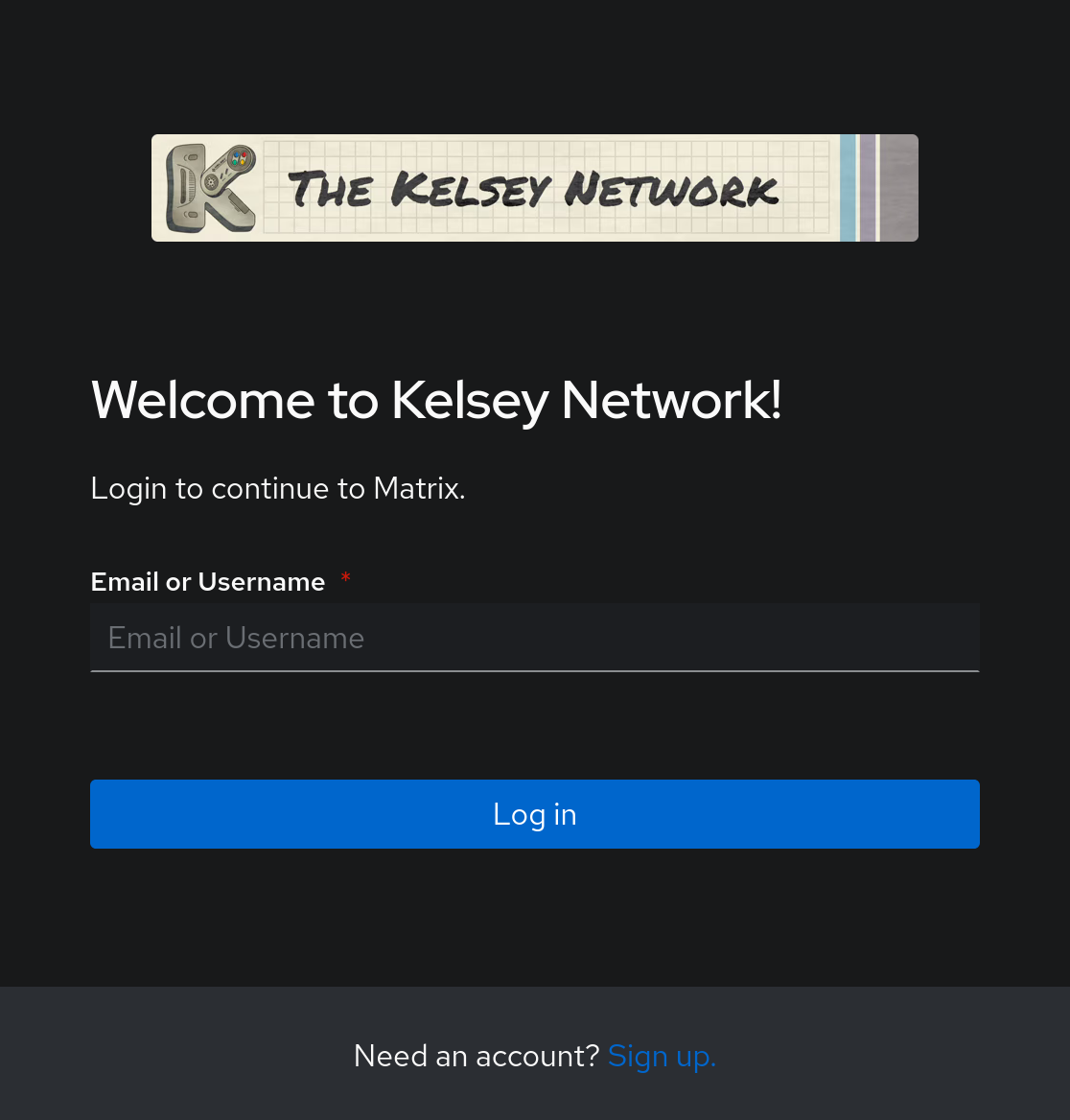
- If prompted, log into KelseyNet with your account (the same one used for Nextcloud):
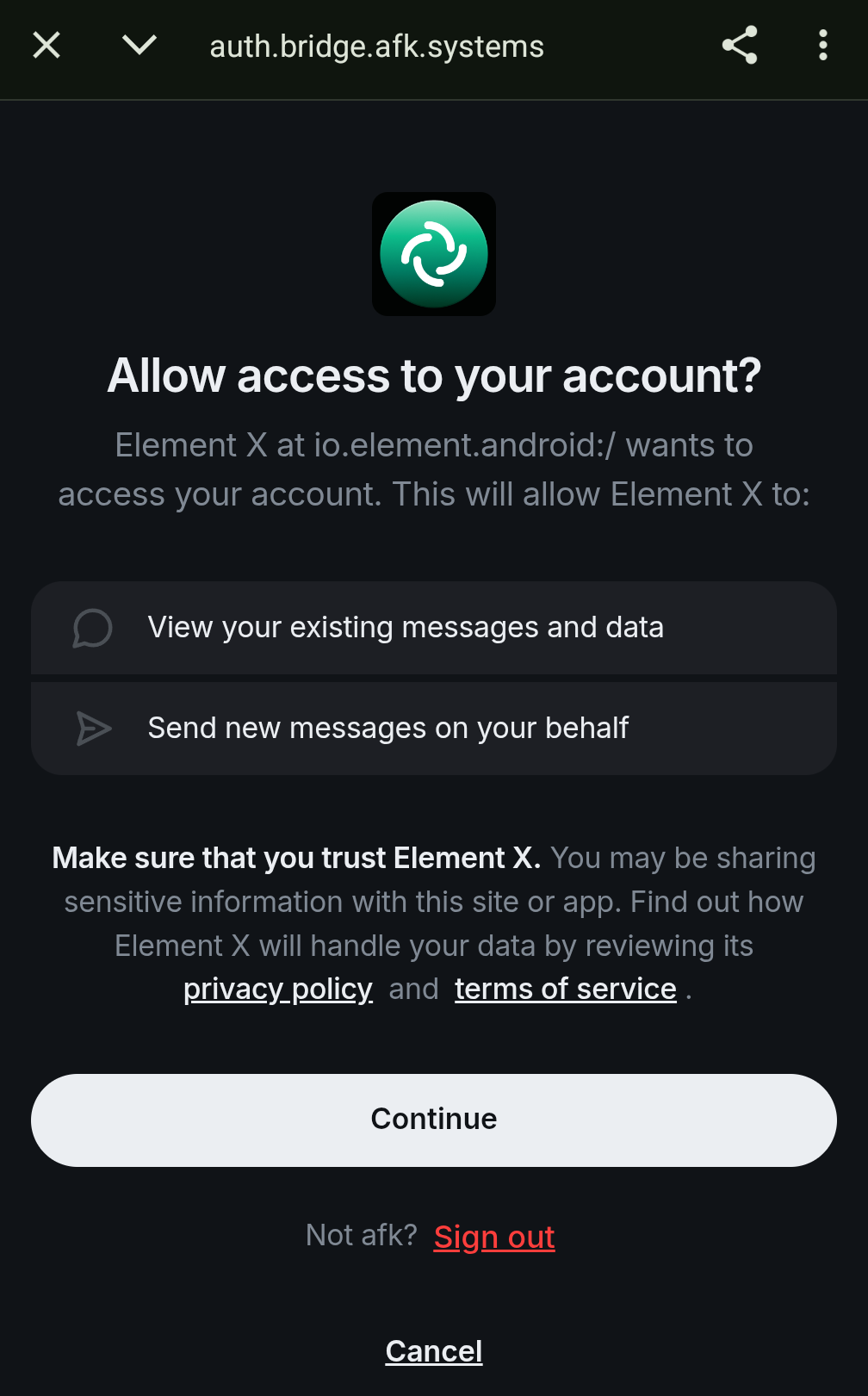
- Once logged in (or if you were already), click on Continue to allow Element to log in using KelseyNet and create your account:
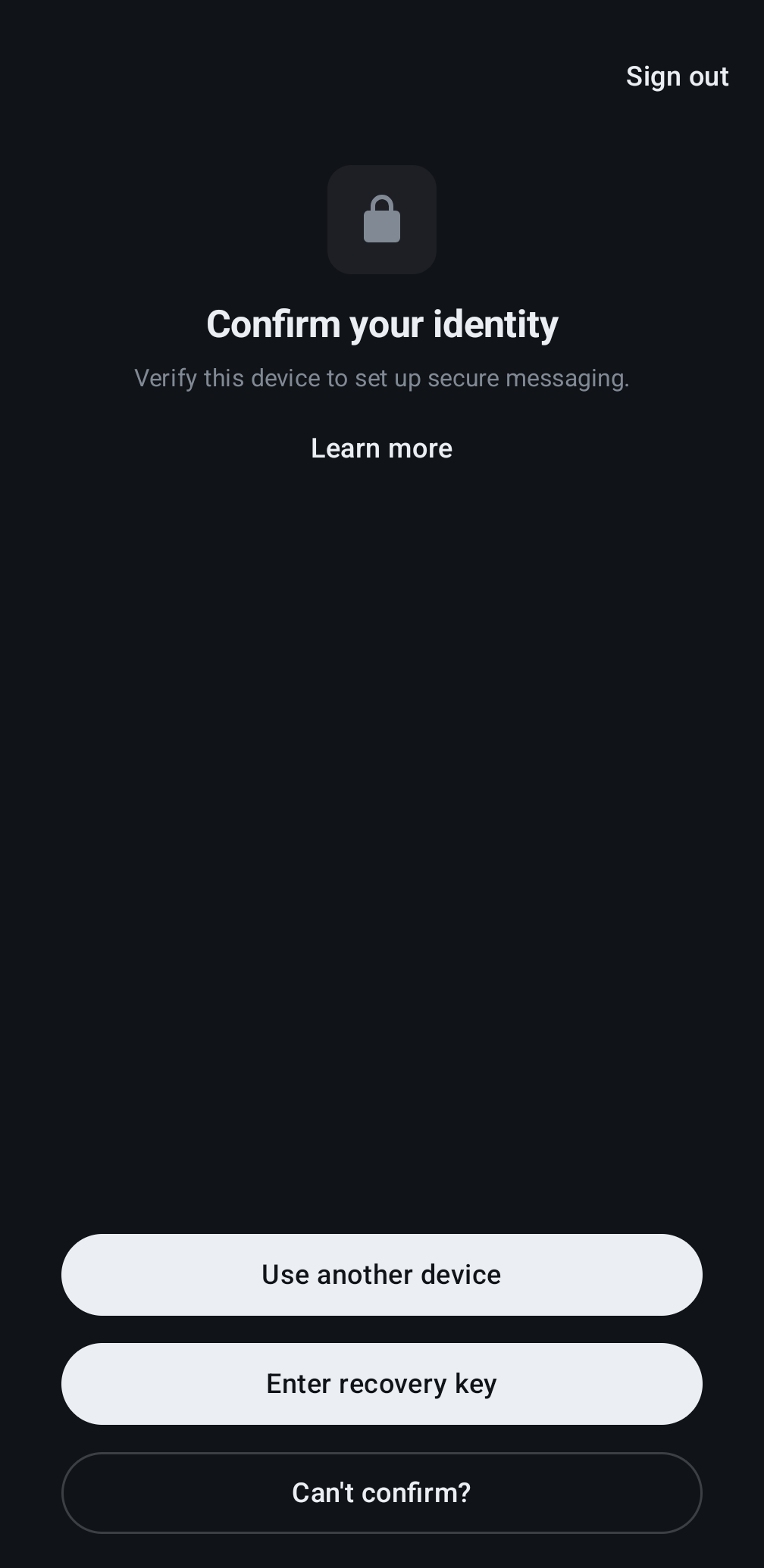
- When asked to confirm your identity, click Can't confirm? if this is the first time you've logged into Matrix: